Smart Security System Maintenance
In today's world, maintaining your smart home security system is crucial to ensure your home remains safe and secure. This guide will provide you with essential tips and best practices for maintaining and troubleshooting your smart home security equipment.
Key Takeaways
- Regular maintenance extends the life of your security devices.
- Keep firmware and software updated for optimal performance.
- Perform routine checks on all components of your system.
- Know troubleshooting tips for common issues.
Why maintenance is important
Just like any other electronic device, your smart home security system requires regular upkeep. Neglecting maintenance can lead to malfunctions, system vulnerabilities, and ultimately, a compromised home security environment.
Routine maintenance tips
Here are some practical maintenance tips to keep your smart security system in top shape:
- Regularly check battery levels: Most security devices run on batteries. Ensure they are replaced before they die to prevent any gaps in security.
- Update firmware and software: Keeping your devices up-to-date protects against vulnerabilities and improves functionality.
- Inspect wiring and connections: Loose or damaged wires can lead to system failures. Regularly inspect and fix any issues.
- Clean the devices: Dust and debris can affect performance. Regularly clean your cameras and sensors.
Understanding common troubleshooting issues
Even with regular maintenance, you may encounter some issues. Here are common problems and how to troubleshoot them:
| Issue | Possible Cause | Solution |
|---|---|---|
| Camera not recording | Insufficient storage | Check and clear storage or upgrade your storage plan. |
| Alerts not being received | Disconnected network | Check Wi-Fi connection and reset the router if necessary. |
| Sensor not responding | Low battery | Replace the sensor's battery immediately. |
| App not syncing | Outdated software | Update the app to the latest version. |
Maintaining specific components of your smart security system
Different components of your smart security system require specific types of maintenance. Here’s a breakdown:
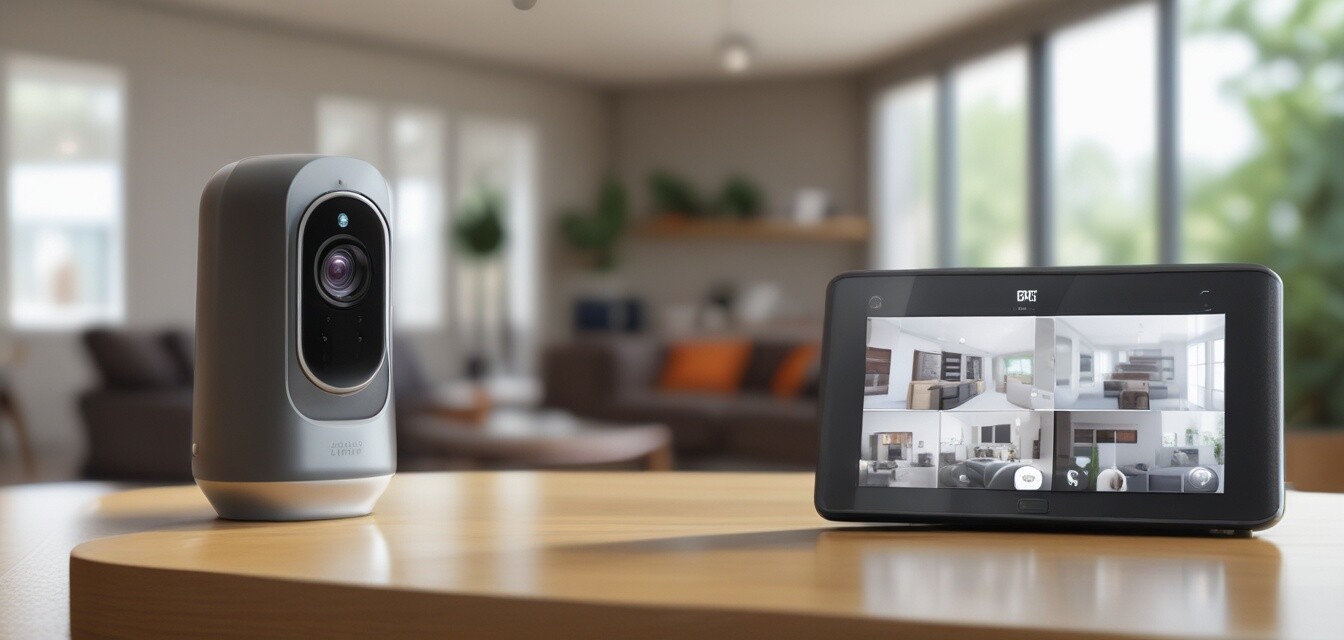
Security cameras
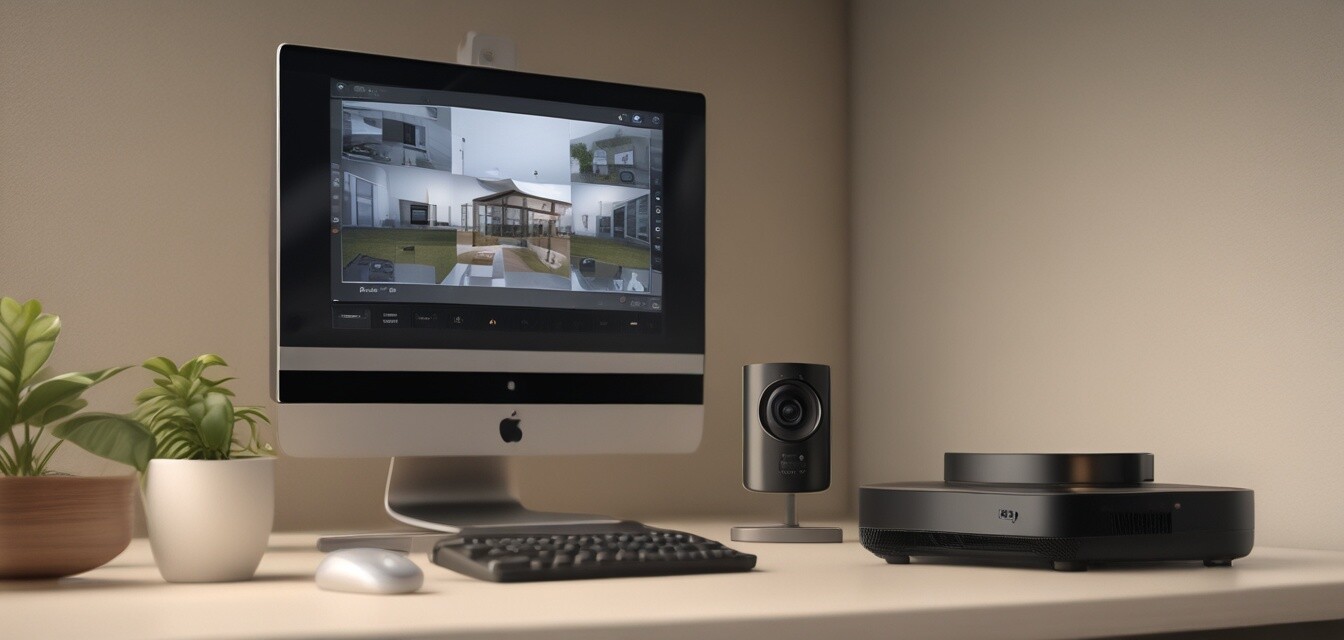
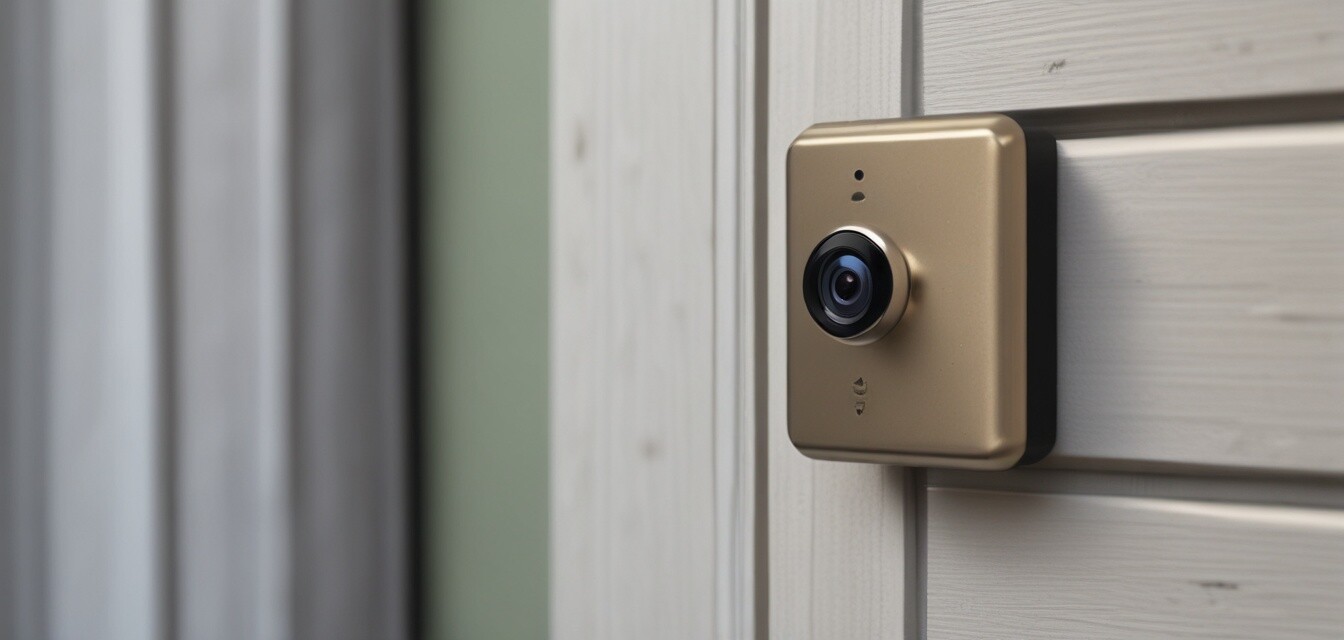
- Ensure lenses are clean for clear visuals.
- Check for software updates regularly through the app.
Smart sensors
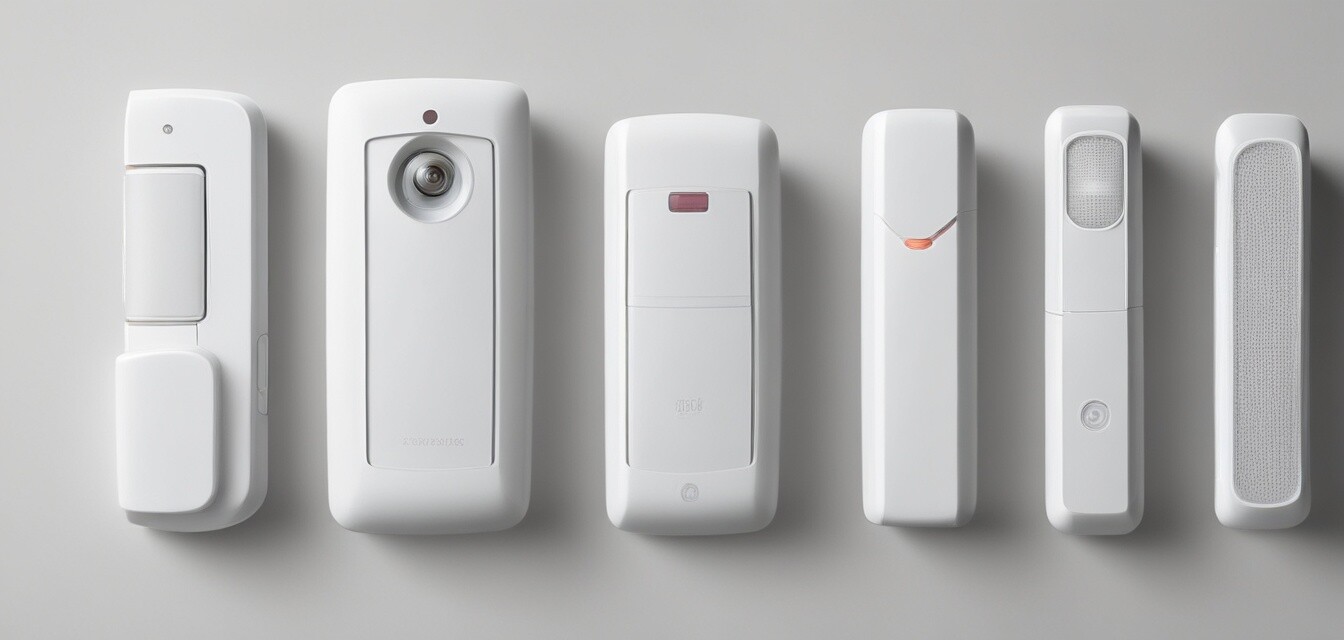
- Test the sensors monthly to ensure they are functioning correctly.
- Replace batteries at least once a year.
Access control systems
- Update access codes regularly.
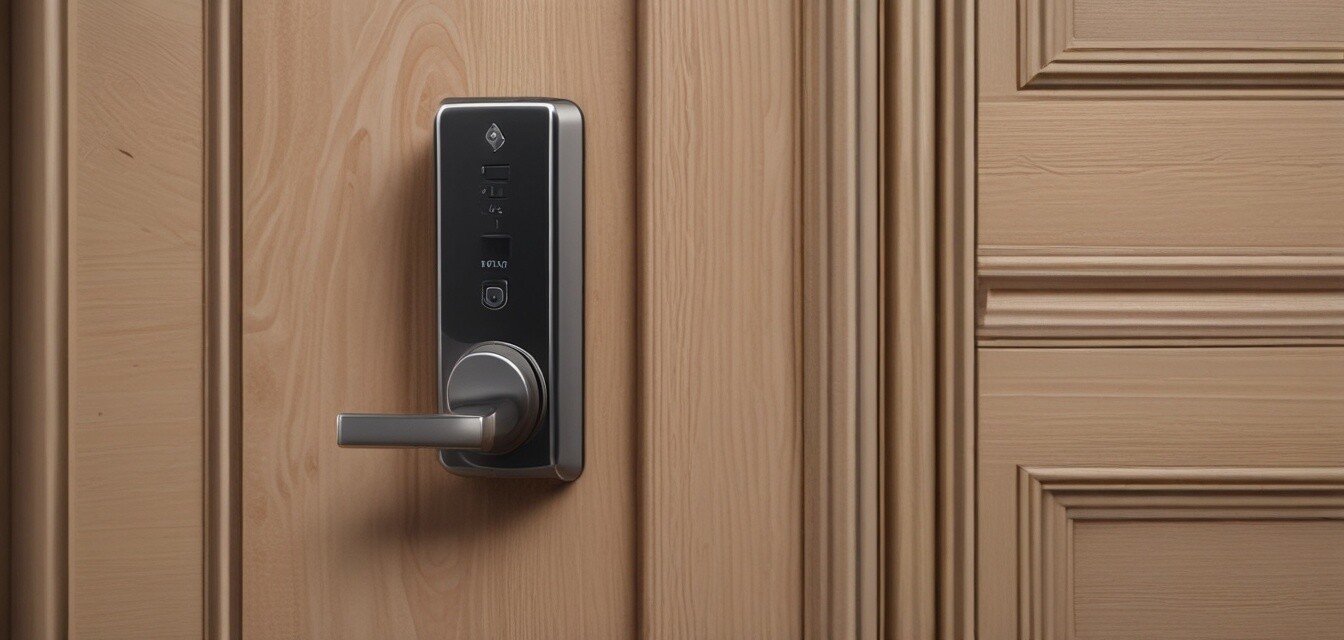
- Test all entry points to ensure they are secure.
Alarm systems
- Check the alarm system monthly to confirm it sounds correctly.
- Make sure the control panel is working and visible.
Best practices for system integration
To ensure your smart home security system works seamlessly, follow these best practices:
- Choose compatible devices: Always check compatibility before purchasing new components.
- Utilize a home automation hub: This can help manage various devices from one central point.
- Regularly back up settings: Ensure you have a backup of all your configurations in case of a system reset.
When to seek professional help
While many maintenance tasks are DIY-friendly, some situations may require professional assistance:
- Complex system installations or upgrades.
- Persistent issues that troubleshooting cannot resolve.
- Full system audits for large setups.
Conclusion
Maintaining your smart home security system is vital for ensuring the safety and security of your home. By following these maintenance tips and troubleshooting strategies, you can keep your system running smoothly and effectively protect your home.
Tips for beginners
- Start with a basic system and gradually upgrade.
- Read user manuals thoroughly for each device.
- Join online forums to learn from other users' experiences.
Pros
- Enhanced security and peace of mind.
- Convenience of monitoring from anywhere.
- Integration with other smart home devices.
Cons
- Can be costly to install and maintain.
- Requires consistent updates and monitoring.
- Potential for technical issues and failures.